Chart types
Nocterm builds candles three ways: by the clock, by trade count, or by volume. Time candles are the familiar default, but tick and volume candles normalize activity so every bar holds a comparable amount of action - quiet periods compress and busy ones expand. That surfaces structure fixed-time bars smear over.
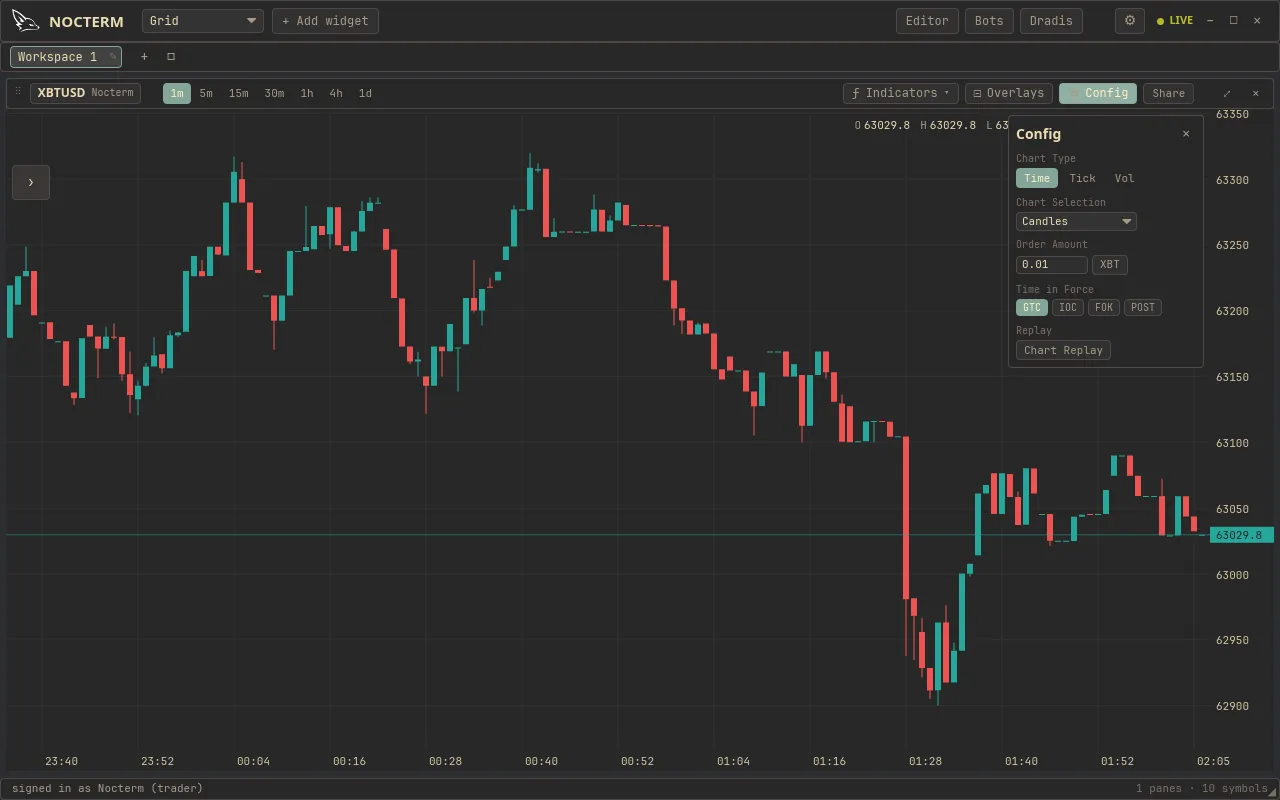
Overview
Section titled “Overview”A time candle closes on a fixed interval no matter how much traded inside it, so a dead hour and a frantic one look the same width. Tick and volume candles instead close once a fixed amount of activity has happened - N trades, or N units of volume - so each bar carries equal information. During a burst you get many bars; during a lull you get few. That makes order-flow tools like footprint directly comparable bar-to-bar.
How to use
Section titled “How to use”-
Open the candle-type selector in the panel toolbar and pick Time, Tick, or Volume.
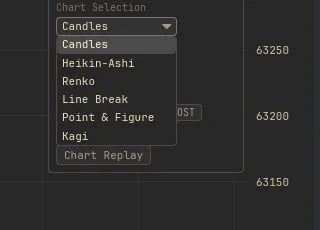
The candle-type selector in the panel toolbar -
For tick or volume candles, set the per-bar count - how many trades, or how much volume, closes each bar. Smaller counts give finer detail and more bars on screen.
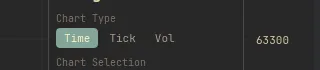
Setting the per-bar trade or volume count for tick and volume candles -
Time candles still use the timeframe selector; tick and volume candles ignore it and close on activity instead.
| Type | Each bar closes after | Best for |
|---|---|---|
| Time | A fixed time interval (the chosen timeframe) | General charting, aligning with the clock and sessions |
| Tick | A configurable number of trades | Normalizing activity; fine detail during bursts |
| Volume | A configurable amount of traded volume | Equal-volume bars; comparing real participation per bar |
Related
Section titled “Related”- Navigation & timeframes - pan, zoom, and the eight time intervals.
- Footprint - per-candle buy/sell volume, ideal on tick and volume bars.
- Volume profile - traded volume by price level.