Tracked symbols
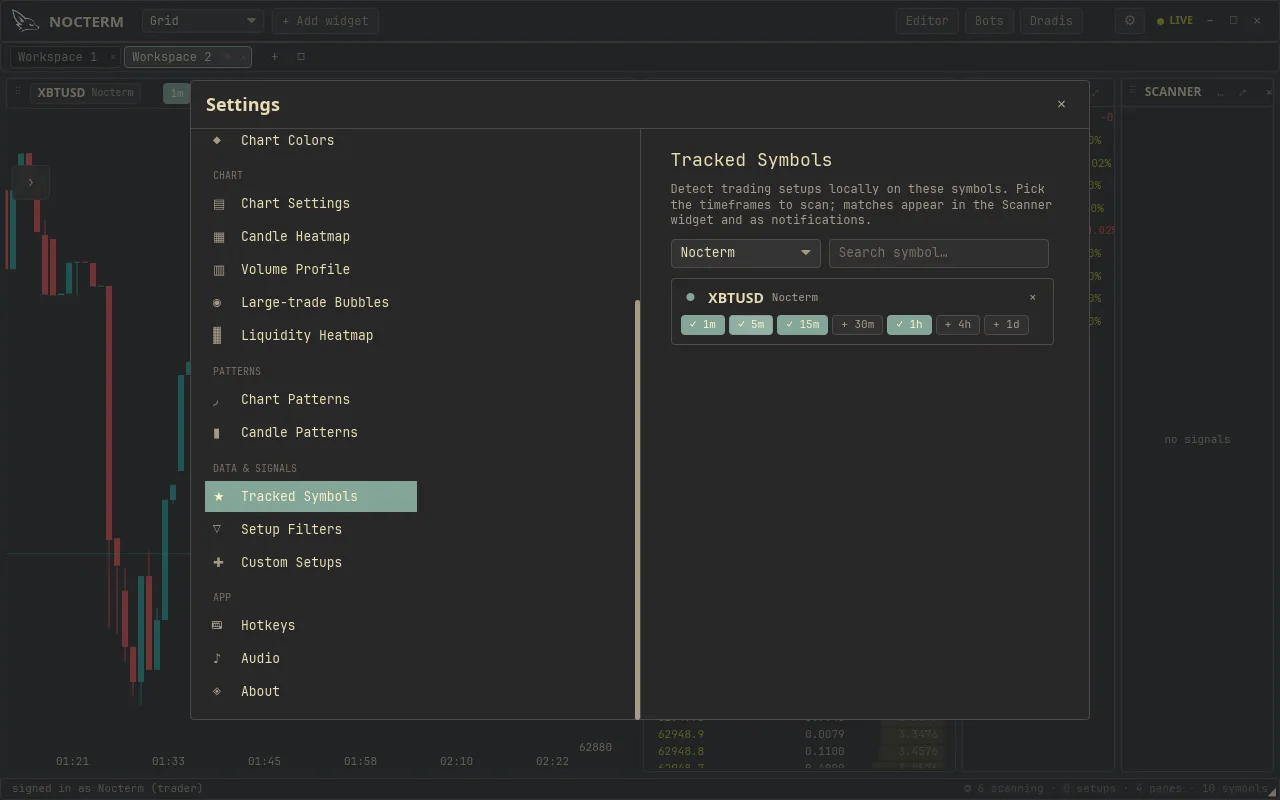
Settings ▸ Data is where you choose which symbols Nocterm tracks and scans. These are the markets the engine pulls data for and runs detection on - your active universe. Your tier sets how many you can track at once.
Overview
Section titled “Overview”Every symbol on this list is one Nocterm actively tracks and scans for setups. Add the markets you trade, remove the ones you don’t, and the engine’s attention follows. Your tier caps the size of the list: Scout tracks up to 5, Trader up to 30, and Desk up to 50.
How to use
Section titled “How to use”-
Open Settings ▸ Data.
-
Add a symbol to start tracking and scanning it.
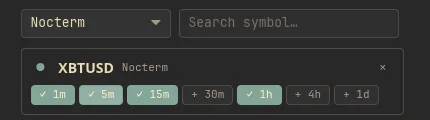
Adding a symbol to the tracked list -
Remove any symbol you no longer want scanned to free up a slot.
Tier limits
Section titled “Tier limits”| Tier | Max tracked symbols |
|---|---|
| Scout | 5 |
| Trader | 30 |
| Desk | 50 |
Related
Section titled “Related”- Plans & tiers - the symbol caps and what else each tier includes.
- Connections & live config - connecting exchanges for live trading.