Performance tips
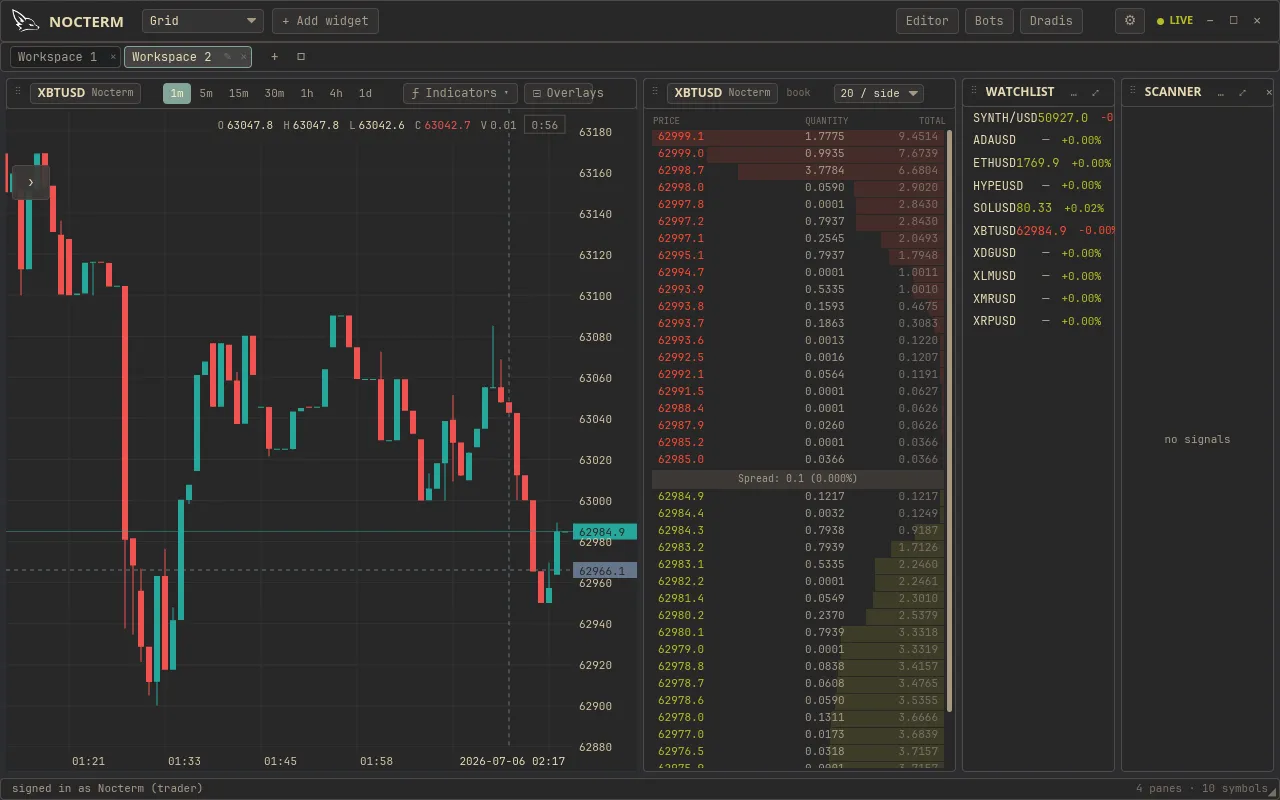
Nocterm is a native desktop app, drawing live charts, overlays, and order flow in real time. It shares your machine’s CPU, GPU, and memory with everything else running. On a fast machine you’ll rarely notice; on a slower one, a few habits keep things smooth. This page collects the practical ones.
What costs the most
Section titled “What costs the most”The heaviest things to draw are the real-time overlays - each one redraws as the market moves:
- Liquidity heatmap - paints resting depth across every price level.
- Footprint - per-price buy/sell cells inside every candle.
- Order-flow field and other flow overlays - continuously updated bands.
Running several of these on the same chart, across several panels, is where most slowdowns come from.
Practical tips
Section titled “Practical tips”- Limit heavy overlays per chart. Keep the liquidity heatmap, footprint, and order-flow field to the one or two that you’re actually reading. Turn the rest off rather than leaving them on out of habit.
- Run fewer panels on slower machines. Each extra panel is another live chart redrawing. Trim the layout to the panels you’re trading from.
- Close what you’re not watching. Overlays and panels you’ve finished with still cost draw time - switch them off.
- Use a modern browser. A current, up-to-date browser draws charts faster and more efficiently. Keep it updated.
- Give it adequate RAM. Live order flow holds a lot of data in memory. Closing unrelated heavy tabs frees room for the terminal.
- Watch the multiplier effect. Heavy overlays multiply with panels - three flow overlays across four panels is twelve live redraws. Cut either factor and it gets lighter fast.
Related
Section titled “Related”- Liquidity heatmap - one of the heaviest overlays to draw.
- Footprint - per-candle detail that costs draw time.