The trade ticket
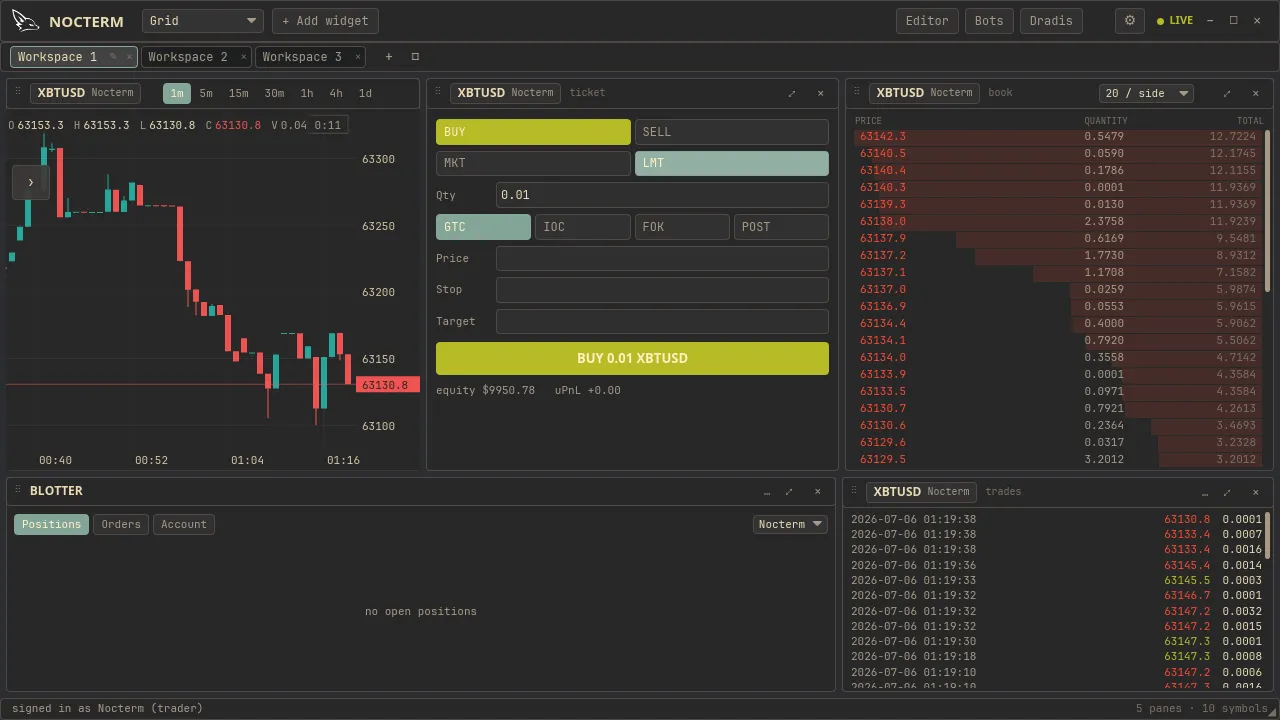
The trade ticket is the order form. Pick a side, choose market or limit, set your size, and optionally attach a stop and target - the ticket previews your fill price and commission before you submit. Whether the order goes to the in-app simulator or to a real exchange is decided by the venue the panel is on (Connections).
Overview
Section titled “Overview”The ticket walks the order down in order: side (long or short), order type (market or limit), and size, which you can enter as USD notional or as base coins. For limit orders you add a limit price; flip on the SL/TP toggle to attach a stop and target. Below the inputs a preview estimates your fill price and the commission you will pay.
Before it lets you submit, the ticket validates your order against the market’s rules - minimum and maximum size, the price tick, and the lot step - so you can’t send something the exchange would reject. On a live venue a live order needs that venue’s connection to be online - watch its connection dot.
How to use
Section titled “How to use”-
Choose Long or Short, then Market, Limit, or Algo (a scripted order type — a chaser, TWAP, ladder, iceberg, trailing stop, or one you wrote; see Algo orders).
-
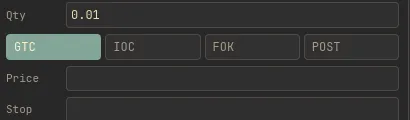
Enter your size. Use the unit toggle to switch between USD notional and base coins.
Entering size with the USD / base-coin unit toggle -
For a limit order, set the limit price and (optionally) a time-in-force - GTC, IOC, FOK, or POST (what each means). To add brackets, turn on SL/TP and set the stop and target.
-
Check the fill preview - the estimated fill price and commission.
-
Confirm the paper/live toggle, then submit. In live mode, watch the connection status dot first.
The ticket fields
Section titled “The ticket fields”| Field | Options | Notes |
|---|---|---|
| Side | Long / Short | Direction of the trade |
| Order type | Market / Limit / Algo | Limit reveals a price field; Algo runs an order script |
| Size | USD notional or base coins | Toggle the unit |
| Limit price | Price | Limit orders only |
| SL / TP | On / Off | Attach a stop and target |
| Preview | Fill price + commission | Estimated before submit |
| Mode | Paper / Live | Where the order routes |
Related
Section titled “Related”- Brackets & drag-to-set TP/SL - attach and adjust stops and targets.
- Right-click chart entry - a faster way to place from the chart.
- Live trading - what the live toggle routes to.
- Algo orders - program your own order types and fire them from the ticket.