Pattern settings
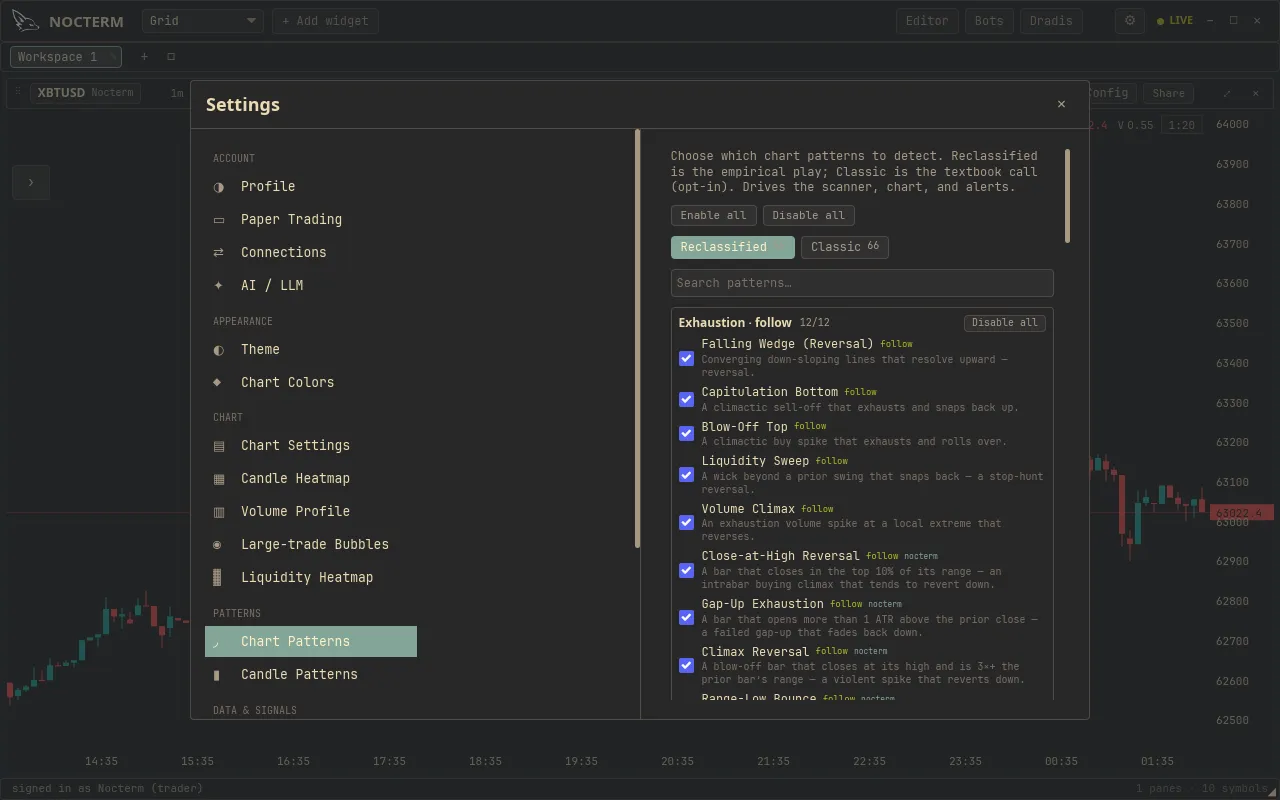
Settings ▸ Patterns is where you decide which patterns Nocterm detects and reports. It has two halves: Chart Patterns, split across a Reclassified and a Classic lens, and Candle Patterns with individual toggles. Search and bulk controls make it quick to dial in exactly the set you want.
Overview
Section titled “Overview”Chart Patterns are managed through two tabs, one per lens. The Reclassified tab is opt-out - every reclassified pattern is on unless you disable it - so it reflects the empirical playbook by default. The Classic tab is opt-in and organized by Bullish and Bearish, so you switch on the textbook patterns you actually want. Both tabs share a search box and bulk enable/disable controls.
Candle Patterns are listed with individual toggles. The strong reversal patterns are on by default; the rest are yours to enable.
How to use
Section titled “How to use”-
Open Settings ▸ Patterns.
-
Under Chart Patterns, use the Reclassified tab to turn off any reclassified patterns you don’t want - everything starts on.
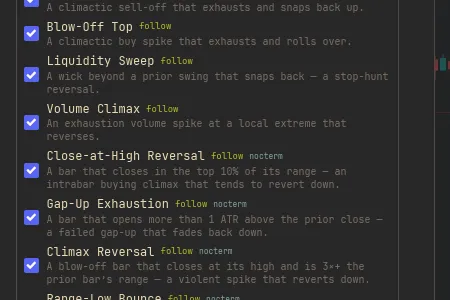
The Reclassified tab where patterns are on by default and disabled individually -
Switch to the Classic tab and opt in to the textbook patterns you want, browsing by Bullish and Bearish.
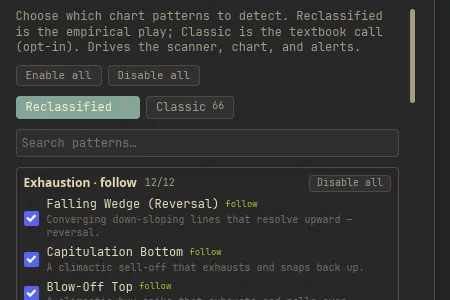
The Classic tab organized into Bullish and Bearish groups -
Use search to jump to a pattern by name, and bulk enable/disable to flip a whole group at once.
-
Under Candle Patterns, toggle individual candlestick patterns - strong reversals are already on.
The two lenses
Section titled “The two lenses”| Tab | Default | Organized by |
|---|---|---|
| Reclassified | Opt-out - all on unless disabled | The empirical play |
| Classic | Opt-in - off until enabled | Bullish / Bearish |
Related
Section titled “Related”- Dual-lens patterns - how the Classic and Reclassified lenses differ.
- Chart pattern catalog - the full list of chart patterns.
- Candlestick patterns - the candle patterns and what they mean.