Live trading
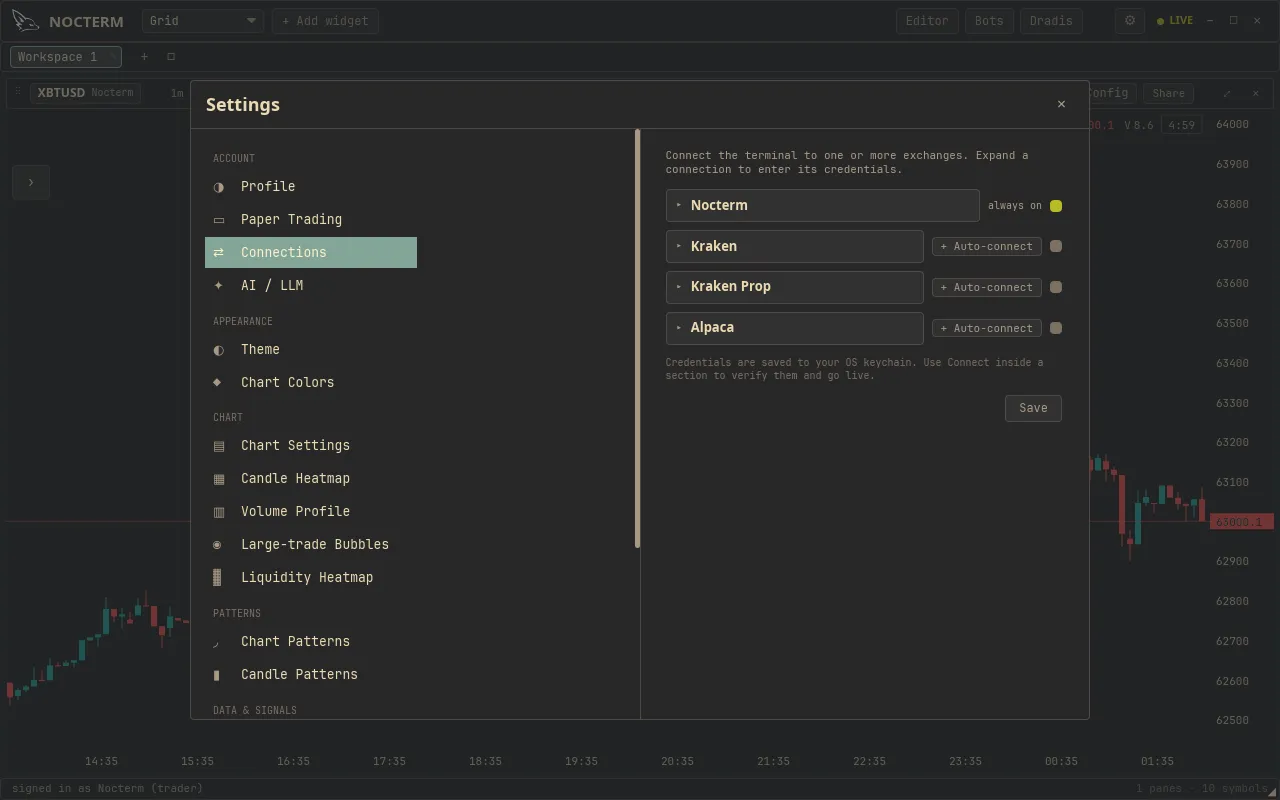
Live trading sends real exchange orders from the same cockpit you paper-trade in. It needs the Trader or Desk tier and an exchange connected with your API keys under Settings ▸ Connections. A connection dot shows whether the venue is online, and a per-panel safety mode decides how cautious each order is.
Overview
Section titled “Overview”Nocterm talks to the exchange directly - there’s no separate bridge to install. You add a venue’s API keys once under Settings ▸ Connections, and orders you place on a panel pointed at that venue go straight to the market. A venue is live whenever its Local paper toggle is off; turn Local paper on and the same venue fills in the in-app simulator instead.
The connection dot next to a venue tells you its state: green means connected and routing, gray means the feed is offline. As orders move through, toasts report each step - placed, filled, or rejected with a reason.
You choose how cautious each order is with a safety mode on the DOM ladder: Arm asks you to confirm before the order goes out, while One-Click sends immediately.
How to use
Section titled “How to use”-
Open Settings ▸ Connections, expand your exchange, and enter your API keys. Press Connect and confirm the connection dot goes green.

The venue connection dot, green when the exchange feed is online -
Leave the venue’s Local paper toggle off so its orders route live.
-
Point a panel at that venue, pick a safety mode - Arm to confirm each order, or One-Click for speed.
-
Place orders as usual. Watch the toasts for placed / filled / rejected.
Safety modes
Section titled “Safety modes”| Mode | Behaviour |
|---|---|
| Arm | Confirm each order before it’s submitted |
| One-Click | Submit immediately on click |
Connection states
Section titled “Connection states”| Dot | Meaning | Orders route to |
|---|---|---|
| Green | Venue connected | The exchange |
| Gray | Venue feed offline | Nowhere - reconnect before trading |
Related
Section titled “Related”- Trading modes overview - paper vs prop-sim vs live.
- The trade ticket - the form you submit live orders from.
- Managing positions & orders - the Audit Log of order events.