Account & subscription
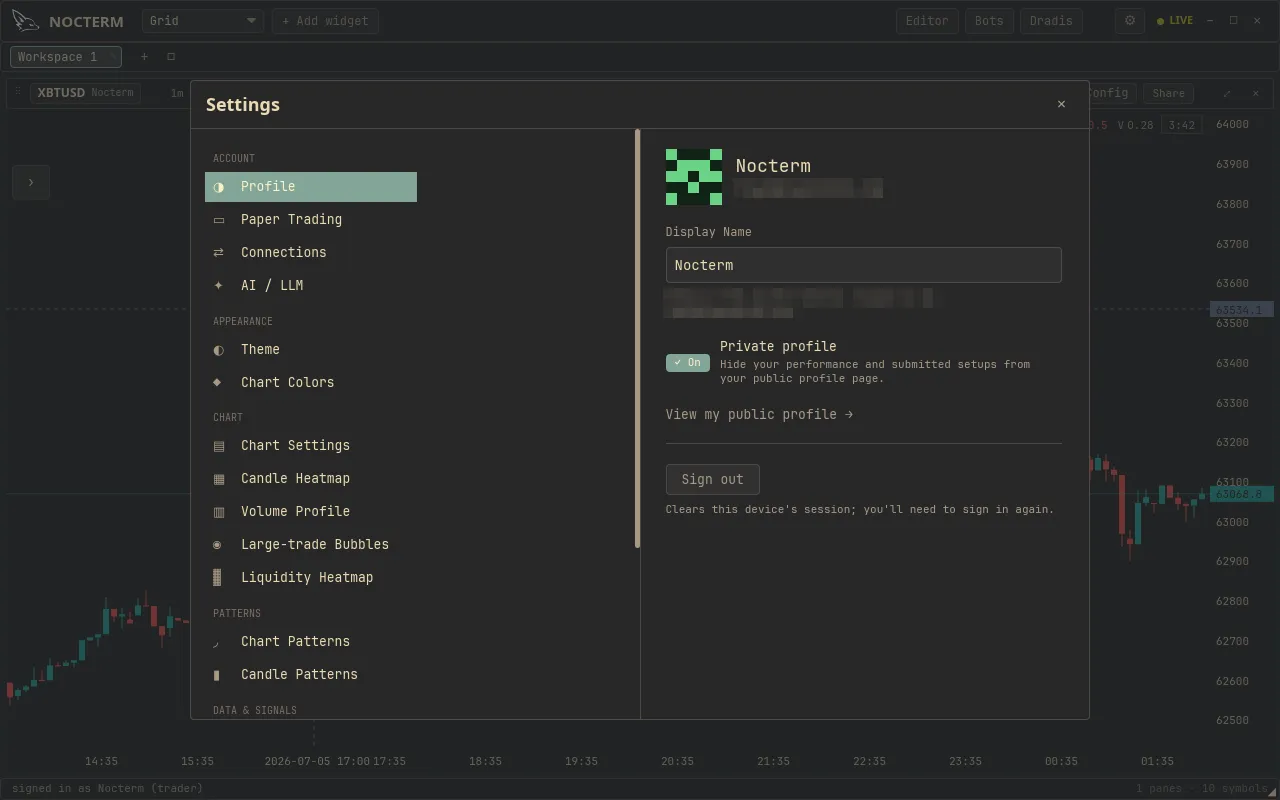
Settings ▸ Account is where you set your display name, see your current tier, and manage your subscription.
Overview
Section titled “Overview”This page collects three things. Your display name is the name shown on your account button and identity readout. Your tier badge shows your current plan - Scout, Trader, or Desk - and the subscription section is where you upgrade or manage billing.
How to use
Section titled “How to use”-
Open Settings ▸ Account.
-
Edit your display name - this is how you appear on the account button.
-
Check your tier badge to confirm your plan, and use Upgrade to change subscription.
On this page
Section titled “On this page”| Item | What it does |
|---|---|
| Display name | The name shown on your account button |
| Tier badge | Your current plan (Scout / Trader / Desk) |
| Subscription | Upgrade or manage billing |
Related
Section titled “Related”- Plans & tiers - what each tier includes.