Appearance & colors
Settings ▸ Appearance controls how Nocterm looks: the overall theme and the chart palette. Pick a light or dark theme, then tune the colors of the chart itself - either from a preset or by setting custom colors per surface.
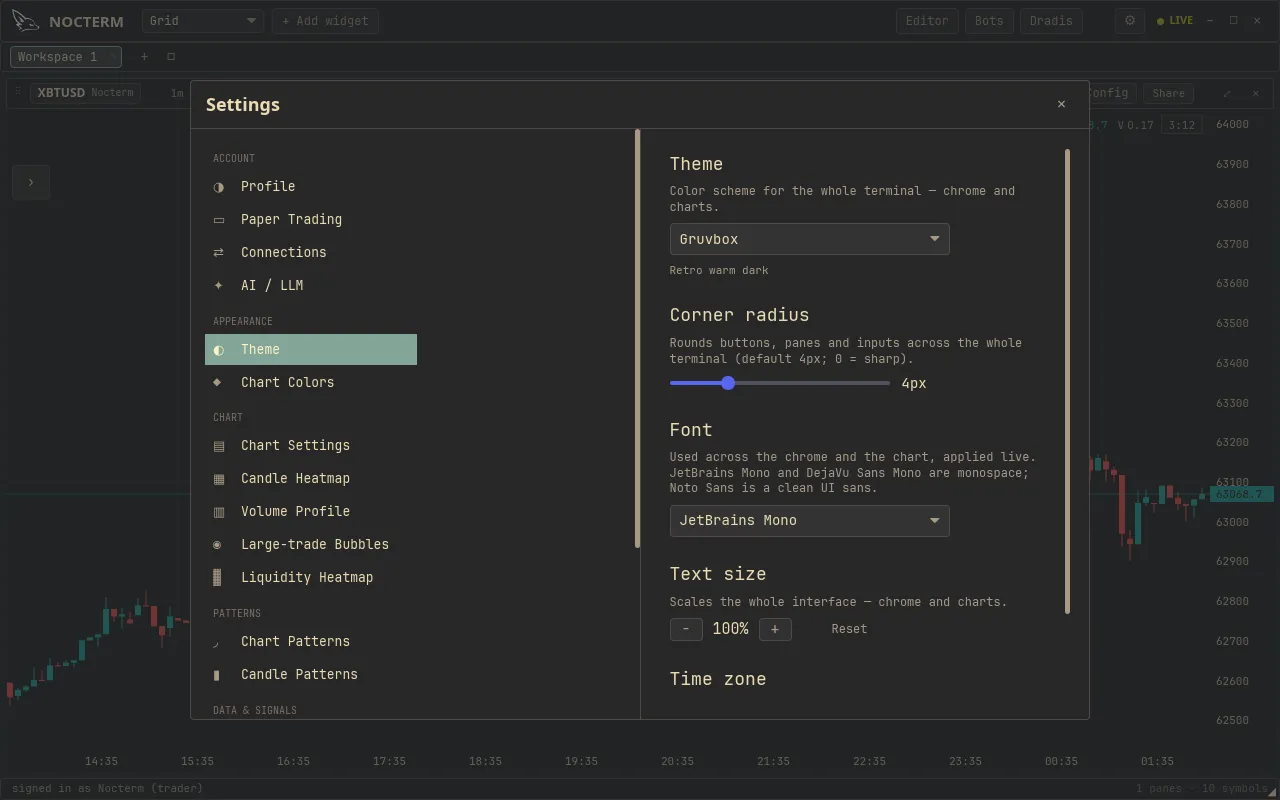
Overview
Section titled “Overview”There are two parts. The theme sets the whole interface to Light, Dark, or Auto, where Auto follows your system preference. The chart palette governs the colors drawn on the chart, organized by surface - candles, indicators, heatmap, and bid/ask - with a role for each part of a surface (for example the up and down colors of candles, or the bid and ask sides). You can start from a preset and leave it there, or override individual surfaces with custom colors.
How to use
Section titled “How to use”-
Open Settings ▸ Appearance.
-
Choose your theme - Light, Dark, or Auto.
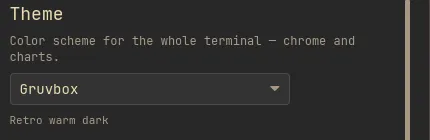
The theme switch set to Light, Dark or Auto -
Pick a palette preset for the chart, or switch to Custom.
-
With Custom, set colors per surface and role - for example the candle up/down colors, indicator lines, heatmap ramp, and bid/ask sides.
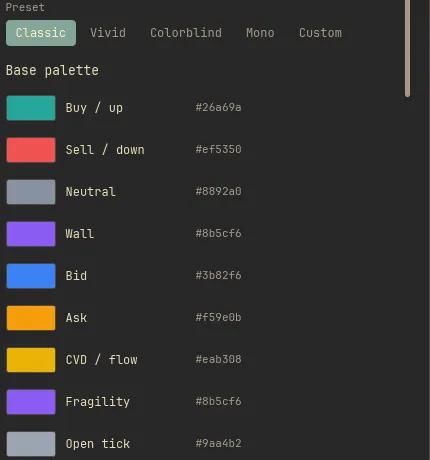
The custom palette editor with per-surface color pickers for candles, indicators, heatmap and bid/ask
Options
Section titled “Options”| Setting | Values | What it does |
|---|---|---|
| Theme | Light / Dark / Auto | Overall interface theme; Auto follows your system |
| Palette | Preset / Custom | Start from a preset or set colors yourself |
| Candles | Up / Down roles | Colors for rising and falling candles |
| Indicators | Per indicator | Line colors for chart indicators |
| Heatmap | Color ramp | The intensity ramp used by the heatmap |
| Bid / Ask | Bid / Ask roles | Colors for the two sides of the book |
Time zone
Section titled “Time zone”The Time zone setting puts every timestamp in the terminal - chart axis, crosshair, tape, blotter, bot logs - in the zone of your choice: UTC, this machine’s Local zone, or a fixed market city (New York, London, Tokyo, and other major venues; DST is handled correctly). It also moves the trading-day boundary: session volume profiles bucket on the selected zone’s midnight, and bot daily-loss ledgers roll there too. Dates you type (replay ranges, backtest windows) are read in the same zone, so what you enter always means what you see.
Related
Section titled “Related”- Chart colors - the full guide to the palette, surfaces, and roles.