Connections & live config
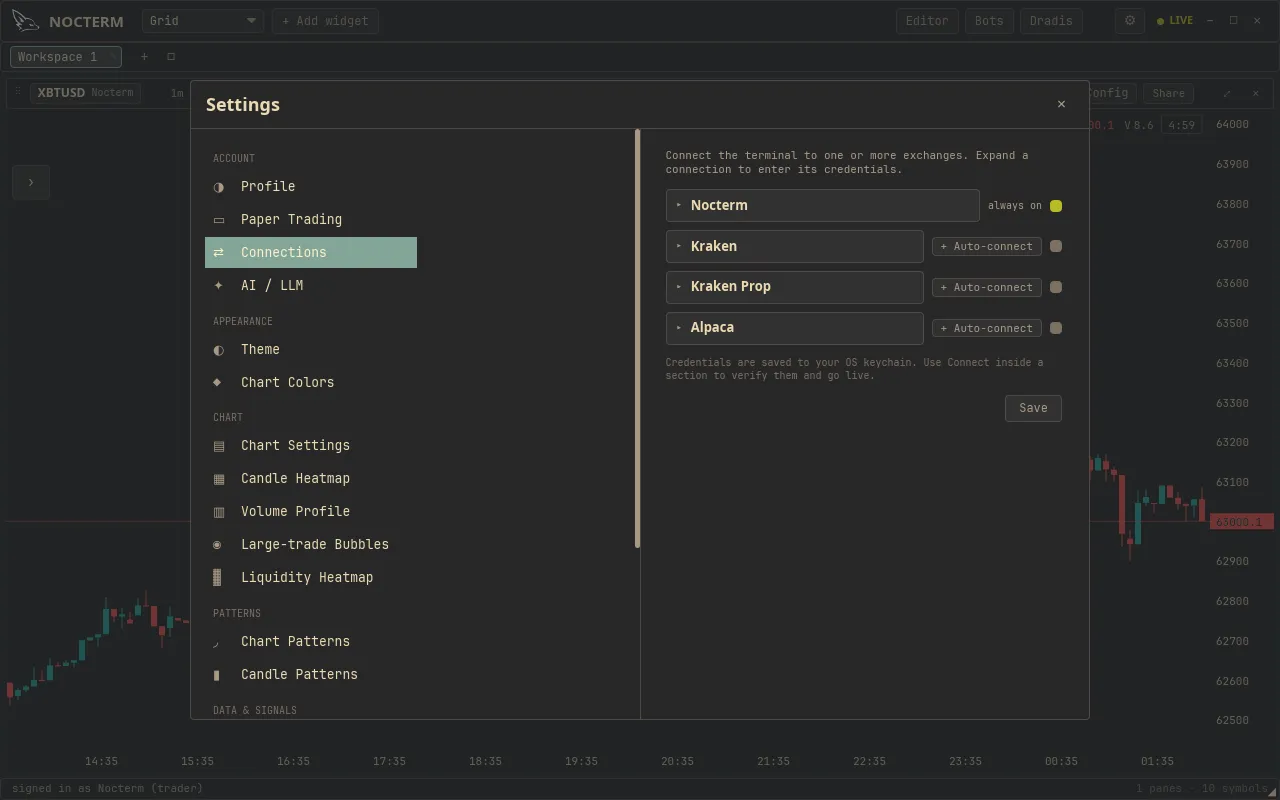
Settings ▸ Connections is where you connect the exchanges that place real orders and decide, per venue, whether it trades live or on the in-app paper engine. Get a venue connected, confirm its dot is green, and choose your order safety mode on the DOM before you trade live.
Overview
Section titled “Overview”Each exchange gets a section in Connections with its API key/secret, a Connect button, a connection dot, and a Local paper toggle. Connecting validates your keys and opens the venue’s feed; the dot goes green when it’s online. Leave Local paper off to route real orders, or turn it on to fill that venue in the in-app simulator against its live prices. The Nocterm venue needs no keys - it’s data-only and always paper.
Order caution is set on the DOM ladder with a safety mode. Arm asks you to confirm each order before it’s submitted; One-Click submits immediately, with no confirmation step.
How to use
Section titled “How to use”-
Open Settings ▸ Connections and expand the exchange you want to trade.
-
Enter your API key and secret, press Connect, and confirm the dot shows green.

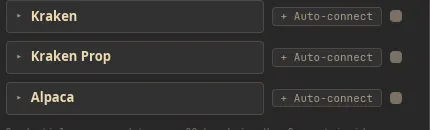
A connected exchange showing a green connection dot -
Decide the venue’s mode: leave Local paper off for live orders, or on to rehearse on its live data with no money at risk.
-
On a DOM panel, choose your order safety mode - Arm or One-Click.
The DOM order safety mode set to Arm or One-Click
Safety modes
Section titled “Safety modes”| Mode | Behavior | Best for |
|---|---|---|
| Arm | Asks you to confirm before each order is submitted | Caution, deliberate entries |
| One-Click | Submits immediately, no confirmation | Speed, fast markets |
Related
Section titled “Related”- Live trading - the full guide to trading live on a connected venue.
- Paper trading - the in-app account any venue can use via Local paper.