Your first paper trade
Paper trading uses a simulated account with a configurable starting balance, so you can learn the terminal and test ideas with zero risk. Here’s the quickest path to your first fill.
-
Point the panel at a paper venue - the Nocterm venue is always paper, so it needs no setup.
A panel pointed at the Nocterm paper venue -
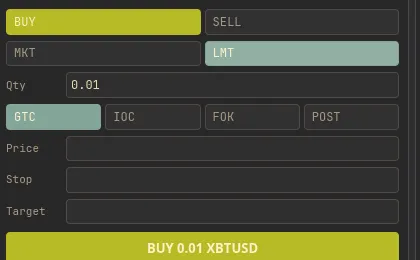
Right-click the chart at the price you want and choose Long or Short, or use the trade ticket to set size and submit.
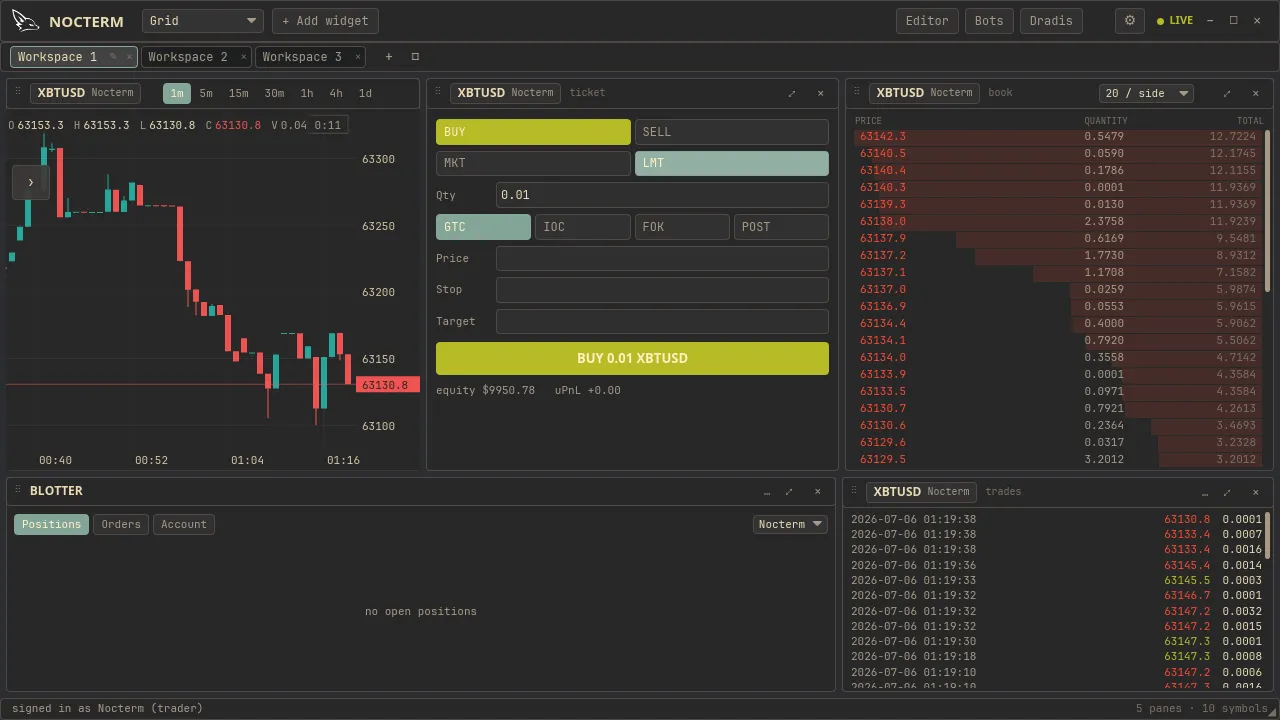
The trade ticket with side, size, and optional stop/target filled in -
Watch the position appear in the bottom bar, with live PnL as price moves.
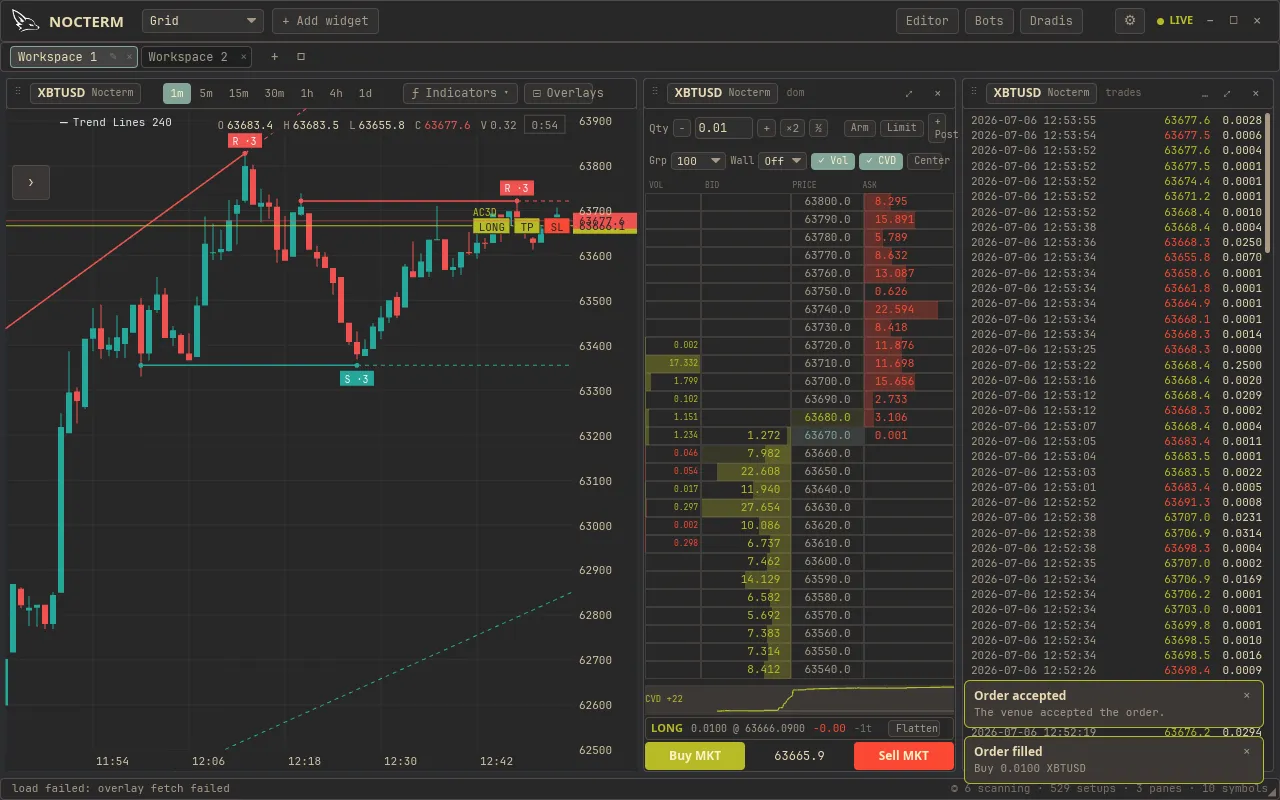
The open position in the bottom bar showing entry, size, and unrealized PnL
- Configure your starting balance and prop-sim limits in Settings → Paper Trading.
- See your performance in Trader Analysis.