Pop-out windows
Any panel can pop out into its own browser window from the panel toolbar. That lets you spread a workspace across monitors - the scanner on one screen, the chart on another - instead of squeezing everything into one window.
Overview
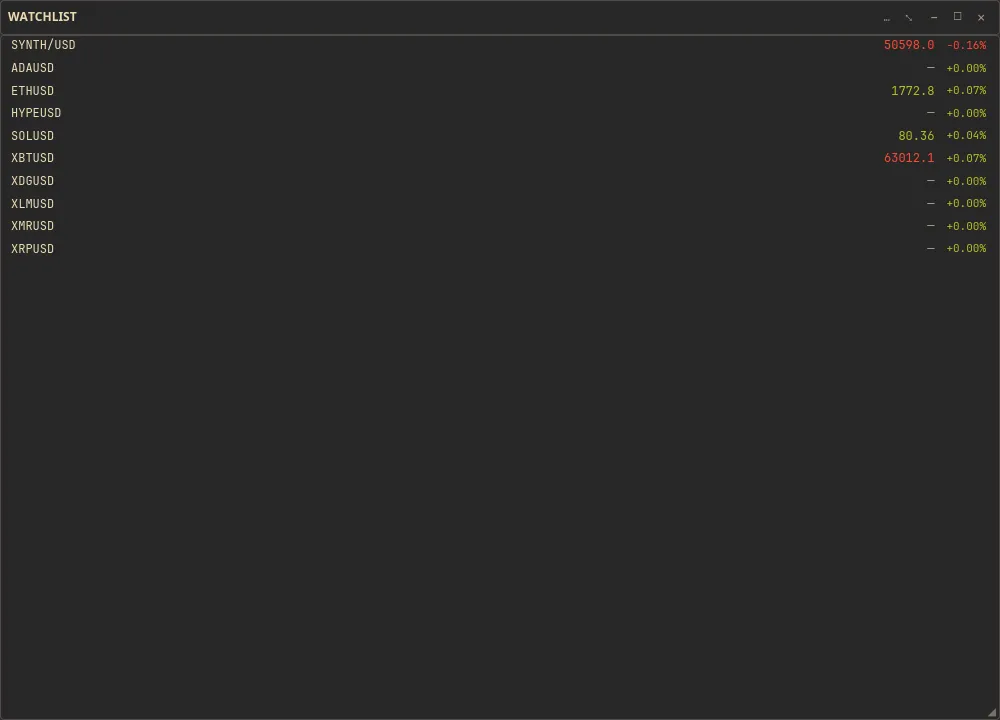
Section titled “Overview”A popped-out panel becomes a standalone browser window you can move and size like any other. It is the multi-monitor answer to a single-window grid: give the chart a full screen and keep the scanner, book, or tape live on another display.
How to use
Section titled “How to use”-
Find the pop-out control in the panel’s toolbar.

The pop-out control in a panel toolbar -
Pop the panel out. It opens in its own browser window.
-
Drag the window to another monitor and size it to fit that screen.
-
Repeat for any other panel you want on its own display - for example the scanner on one screen and the chart on another.
Related
Section titled “Related”- Adding & arranging panels - build the panels you pop out.
- Panel types reference - what each pop-out panel shows.
- Saving & persistence - how your layout is remembered.