Trading modes overview
Nocterm gives you three ways to trade from one cockpit. Paper is a fully simulated account for risk-free practice, prop-sim is that same paper account with enforced drawdown limits - like a prop challenge - and live sends real orders to a connected exchange. Which mode you’re in is a property of the venue a panel is pointed at, set once in Settings ▸ Connections - not a per-panel switch.
Overview
Section titled “Overview”Paper and prop-sim both run against the built-in simulator inside the app, so fills, PnL, and brackets all work without touching real money. Prop-sim simply layers drawdown rules on top of that simulator. Live mode sends your orders to a real exchange you’ve connected with API keys. Everything else on screen - charts, order flow, brackets, the ticket - is identical in every mode.
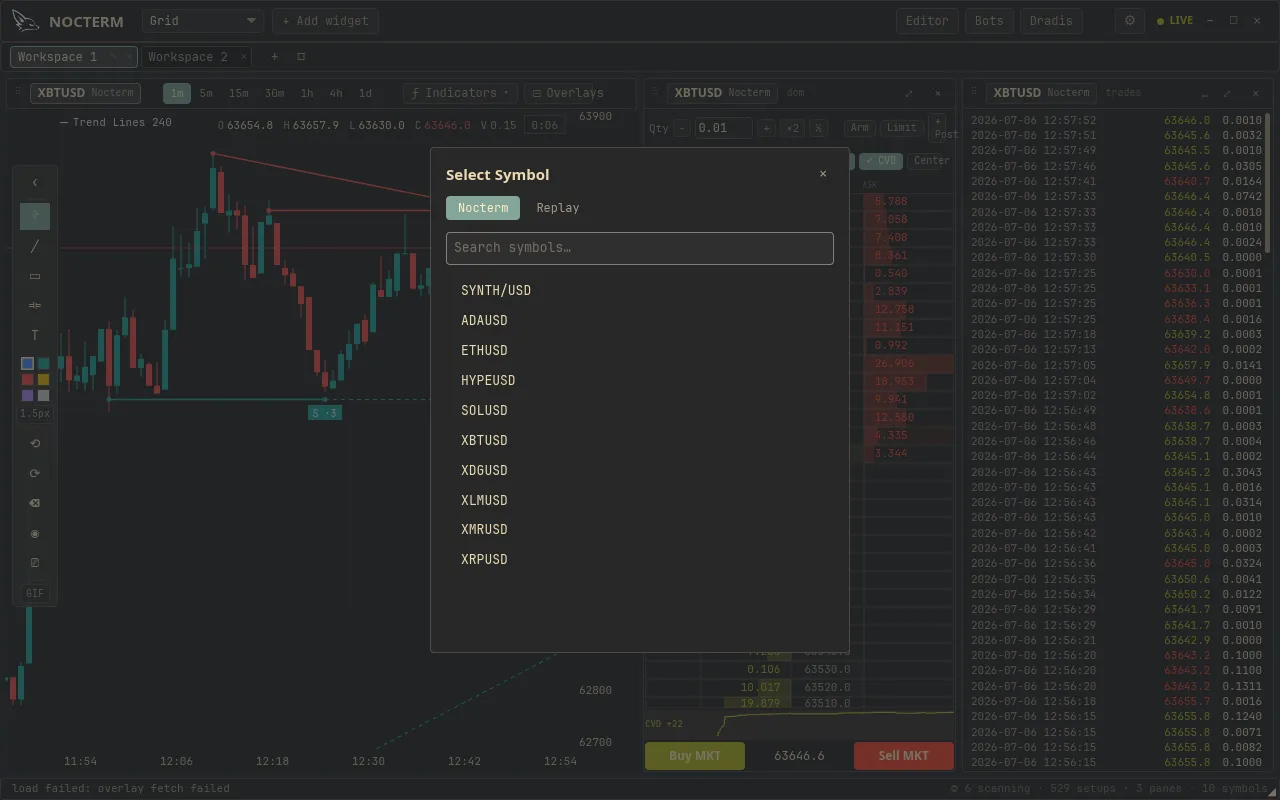
The venue decides the mode. The Nocterm venue is data-only, so it always runs the in-app paper engine - it’s the free, no-setup way to practice. Connect an exchange like Kraken or Alpaca and it trades live by default; flip its Local paper toggle in Connections to fill it in the in-app engine instead. A panel trades paper or live simply based on which venue it’s showing.
How to use
Section titled “How to use”-
Most traders start on the Nocterm venue - it’s always paper, so any panel pointed at it is risk-free out of the box.
-
To practice under pressure, open Settings ▸ Paper Trading and turn on prop-sim limits - the paper account now closes if you break a drawdown floor.
-
When you’re ready for real orders (Trader / Desk tier), connect an exchange under Settings ▸ Connections, enter your API keys, and leave Local paper off. Point a panel at that venue and its orders go live.

The Local paper toggle on a connected exchange under Connections
The three modes
Section titled “The three modes”| Mode | Money | Risk rules | Routes to |
|---|---|---|---|
| Paper | Simulated | None | Built-in in-app simulator |
| Prop-sim | Simulated | Max + daily drawdown enforced | Simulator, latches closed on breach |
| Live | Real | Your exchange / prop account rules | The connected exchange |
Related
Section titled “Related”- Paper trading & account setup - the simulated account and how to reset it.
- Prop-sim risk limits - turn paper into a prop challenge.
- Live trading - connect an exchange and route real orders.